What Does "Outgrown" Actually Mean?
Outgrowing your website doesn't necessarily mean it's broken. It means there's a gap between what your organization is now and what your website communicates — and what it enables your team to do.
That gap costs you in ways that are easy to miss: donor trust, volunteer recruitment, grant credibility, and the staff hours spent manually doing things a better site would handle automatically.
Here are the signs to look for:
1. Your Organization Has Changed, But Your Website Hasn't
Think back to when your website was launched. How many programs did you have? How many staff members? How many audiences were you serving? What was your
branding? Has it changed?
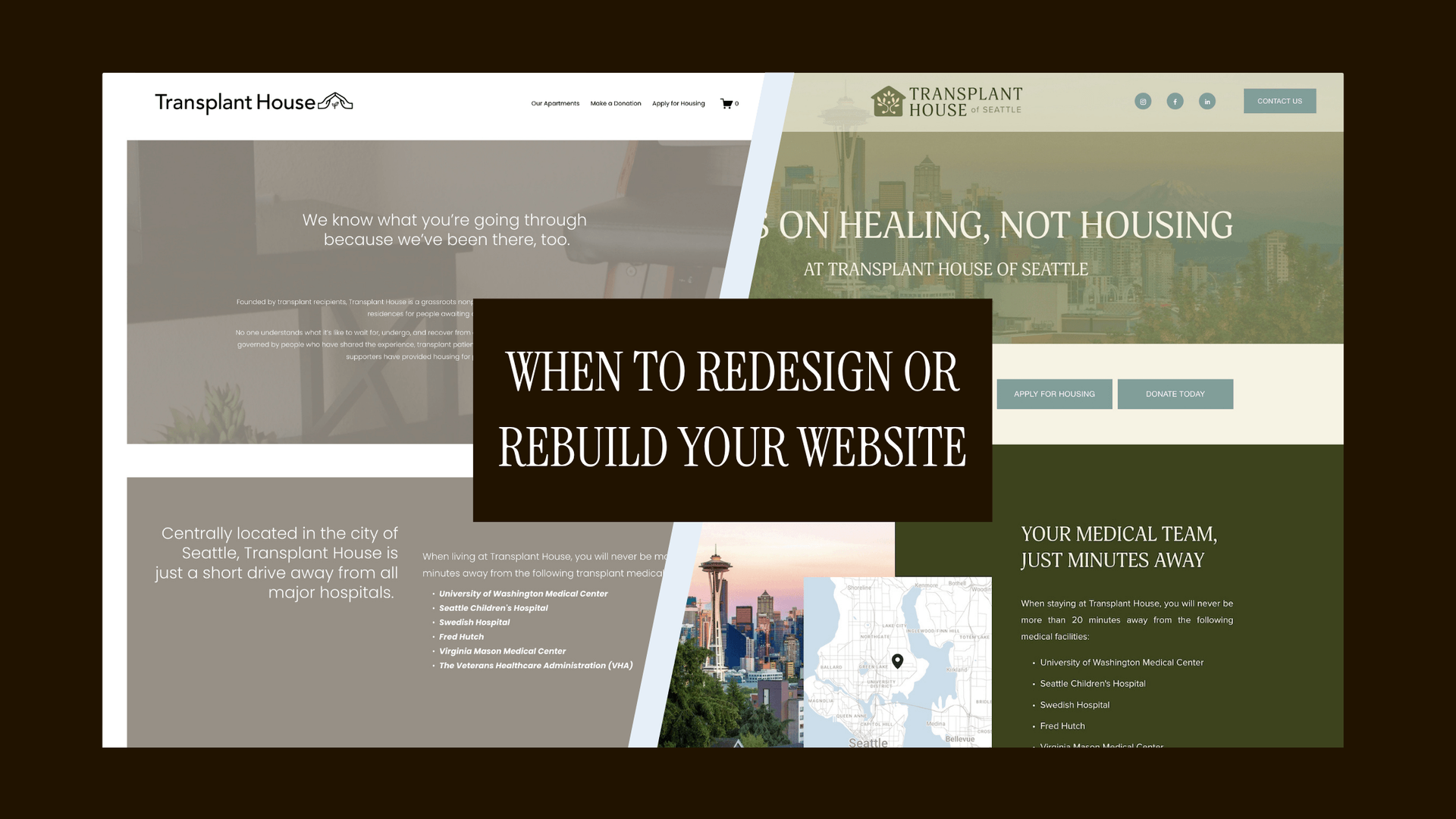
Many nonprofit websites were built for an organization that no longer exists. Maybe you've expanded services, added advocacy work, started new programs, grown your team, or shifted your primary audience. But the website still reflects who you were five years ago.
What to do: List every major organizational change that's happened since your site launched — programs added or retired, leadership transitions, expanded geographies, new audiences, changed funding priorities. If your list is long, your website has probably been quietly lying about who you are for a while.
2. Visitors Can't Find What They Need
One of the most common issues I see with nonprofit websites is that they don't answer the questions that their participants, donors, or community has. I believe in radical transparency, and I also want allllllll the information I can have before making a decision, your audience is probably the same.
Here are some real-life examples:
- An organization that provides housing to doesn't list if they are pet-friendly
- A local nonprofit is hosting an outdoor event and say they will have food trucks but they don't list the menus with allergen notations, don't say if you can bring in outside food/drink, and don't mention seating options or accessibility options
- A community member visits the site and wants to volunteer but can't find a volunteer page or contact info
- A food pantry lists its hours but doesn’t explain whether visitors need an appointment, identification, proof of income, or bags to carry groceries home
- A nonprofit offers free counseling but doesn’t say who qualifies, whether there is a waitlist, what languages are available, or whether sessions can be virtual
- A community center lists room rentals but doesn’t provide pricing, capacity, available equipment, accessibility information, or instructions for checking availability
- An advocacy organization encourages people to contact legislators but doesn’t provide a sample message, explain the issue in plain language, or tell visitors how to find their representatives
- An event page lists the date and location but doesn’t mention parking, public transit, restrooms, weather plans, ticket refunds, childcare, or whether attendees can leave and re-enter
- A nonprofit serves immigrants and refugees but important service information is only available in English and the language selector is difficult to find
Your visitors shouldn't have to hunt for services, resources, events, volunteer opportunities, donation information, or contact details. When they can't find answers quickly, they leave — and they don't always come back.
What to do: Ask yourself and your stakeholders to list all the questions they would have about your programs and overall organization if they were completely unfamiliar with you. Then, answer those questions naturally throughout your messaging.
3. You're Serving Multiple Audiences With One Generic Message
Most nonprofits serve multiple audiences simultaneously — donors, volunteers, program participants, advocates, policymakers, community partners, media. The problem is that many websites try to speak to all of them at once, and end up resonating with none of them.
A homepage that tries to be everything to everyone usually ends up being nothing to anyone.
What to do: Identify your top three audiences and map what each group actually needs from your website. Donors need to understand impact and give easily. Program participants need to know if they qualify and how to access services. Volunteers need to understand the time commitment and how to sign up. The most effective nonprofit websites create clear pathways for different users rather than forcing everyone through the same generic experience.
4. Content Has Become Unmanageable
If you're afraid to update your website because you might break something, that's a huge red flag. So is any version of: "I don't know where that page lives," "I think someone else owns that," or "let's just leave it there."
Over time, websites accumulate. Duplicate content. Expired programs. Old campaigns. Outdated PDFs. Broken links. Without regular maintenance, the problem compounds until the site becomes a source of anxiety rather than a tool.
What to do: Run a simple content audit. Go through your pages, blog posts, resources, PDFs, and landing pages. For each one, decide: Keep, Update, Merge, or Archive. This exercise alone can dramatically improve usability and usually surfaces pages that have been quietly contradicting your current messaging for years.
If the backlog is significant,
ongoing website maintenance services with a dedicated plan is often more cost-effective than a full rebuild.
5. Your Staff Is Working Around the Website Instead of With It
This one sneaks up on organizations. When a website is hard to update, staff stop updating it. When the events calendar is broken, they stop using it and send email blasts instead. When the volunteer signup form doesn't work, someone starts collecting names in a spreadsheet.
Every workaround is a sign that your website has become an obstacle rather than a tool.
What to do: Map your content workflow. Who creates content? Who reviews it? Who publishes it? Where are the bottlenecks? Sometimes the issue isn't the platform — it's the process. But often it's both. A healthy website should be easy enough to maintain that staff don't dread it.
6. You Can't Update It Without Calling Someone
Nonprofit leadership changes. Programs change. Hours change. If making a simple text update or swapping a photo requires submitting a request to a developer, waiting a week, and paying a minimum fee, well that's a problem.
Your website should be built on a platform your team can manage. That doesn't mean you need to become a web expert. It means updating a staff bio, adding an event, or swapping out a photo should take five minutes, not a support ticket.
When I build nonprofit websites, I prioritize platforms that give organizations real editorial control — not ones that create a permanent dependency on outside help for routine updates. That's not a sustainable model for a resource-constrained organization. Even organizations that have a mataintence plan and offset some of the day-to-day web management responsibility need to be able to manage their own infrastructure.
A good website doesn't create dependancy on any one person or role.
7. Donations, Signups, or Conversions Have Stalled
This one has a direct dollar value. If your donation page is missing, if you have to click multiple times through multiple pages to get to a donation widget, if it breaks on mobile, or if donors are abandoning mid-process — you are leaving money on the table and therefore impact on the table.
The short version: donors make decisions in seconds. Friction kills conversions. If completing a donation takes more than three clicks and two minutes, you have a solvable problem.
What to do: Test your donation process from a first-time visitor's perspective right now. Can someone make a gift in under two minutes? Specific red flags to look for:
- Donate button buried
- Form requires account creation before donating
- PayPal redirect that takes users off your site with no confirmation page
- No recurring donation option
- Mobile experience that requires pinching or zooming
Fixing your donation flow alone sometimes pays for a redesign.
8. Your Tools Don't Talk to Each Other
Modern nonprofits rely on multiple platforms — CRMs, donation processors, email marketing systems, event software, volunteer management tools. When these systems aren't connected, staff spend significant time manually moving information between them.
This is inefficient and introduces errors, creates data gaps, and pulls your team away from mission-critical work to do data entry.
What to do: List every platform your organization currently uses. Then identify what's connected, what's duplicated, and what's creating extra manual work. A
website redesign is often a natural opportunity to streamline integrations — but only if systems integration is on the scope from the beginning.
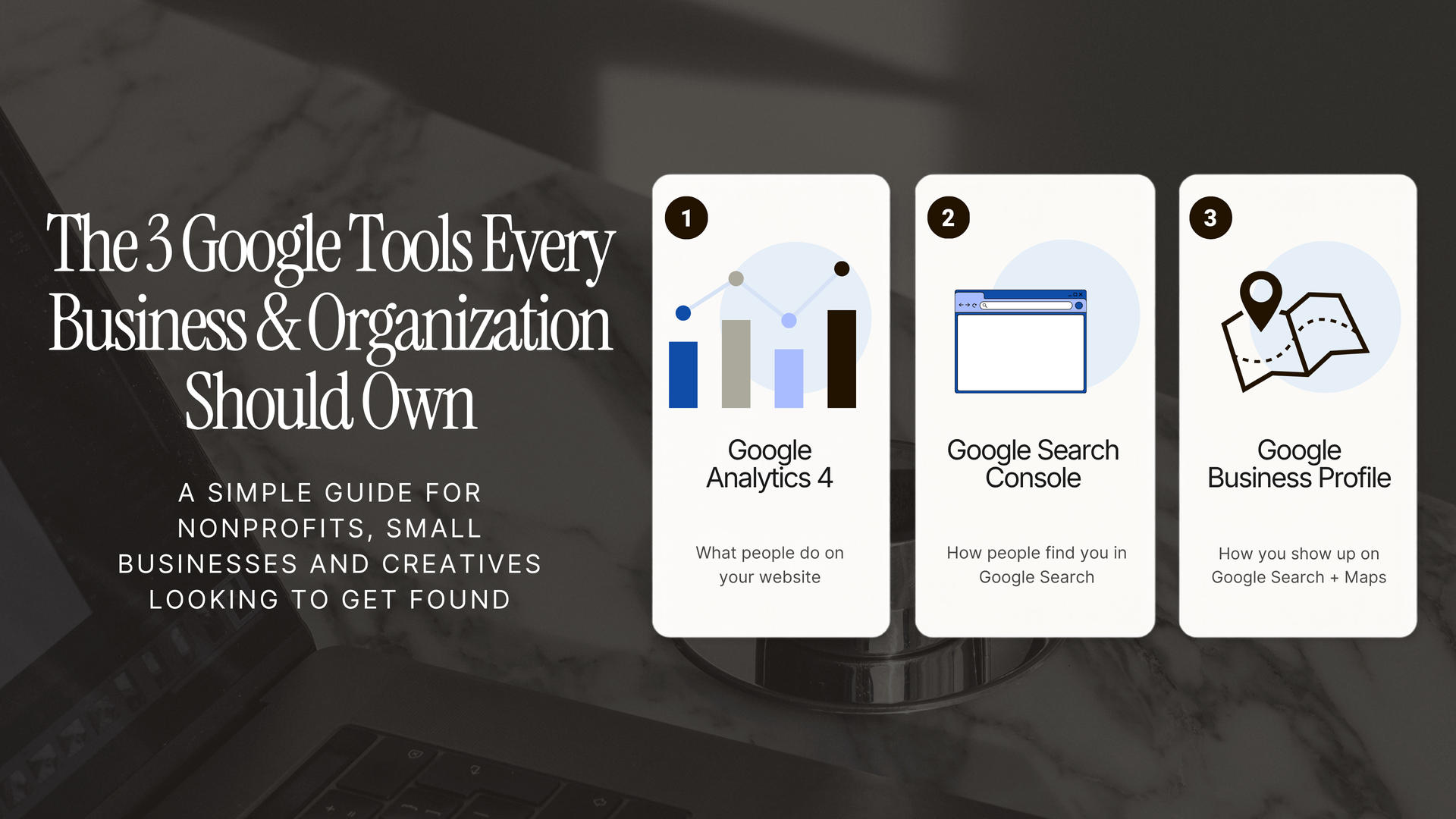
9. You Can't Find Your Own Site on Google
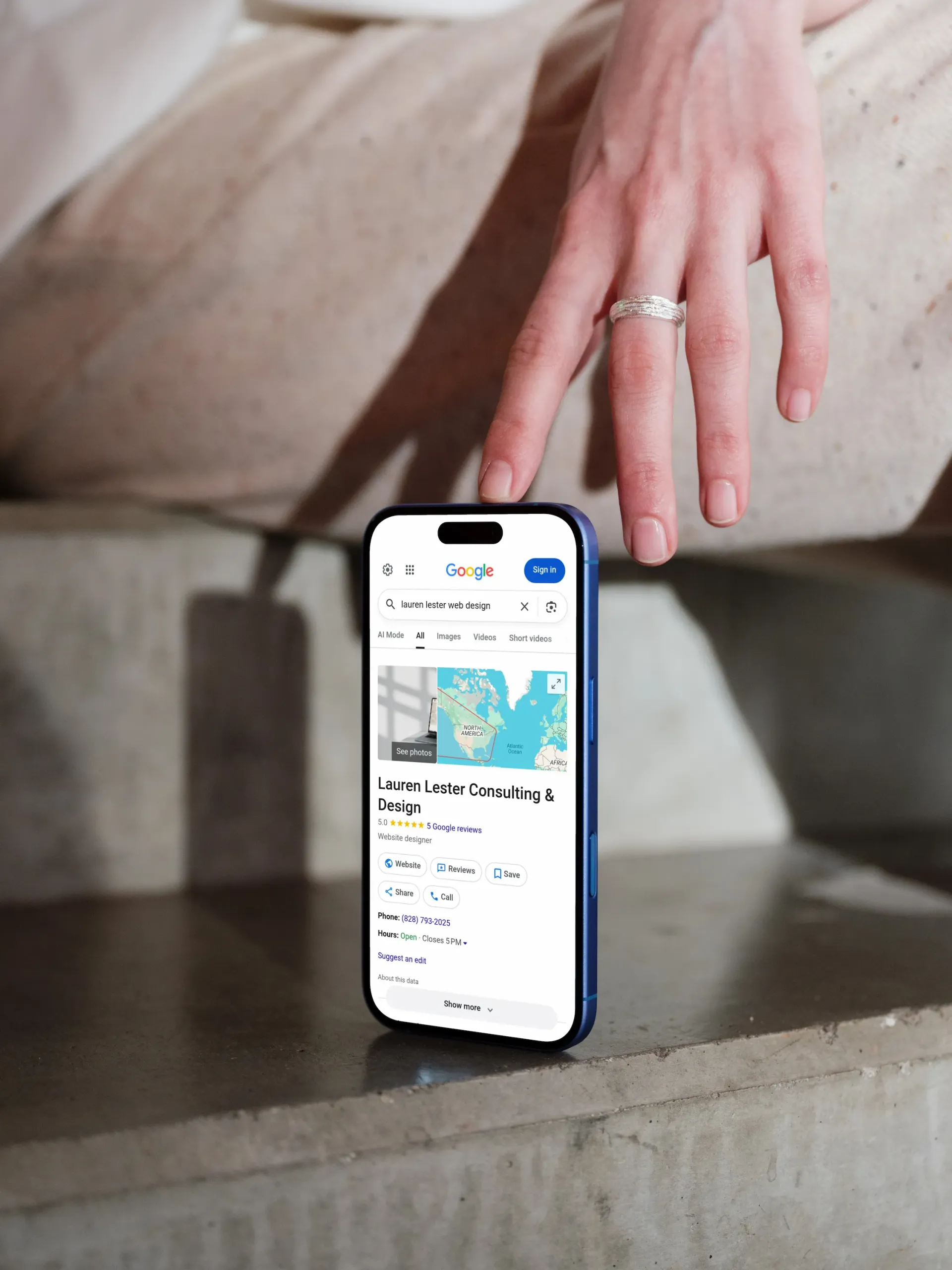
If you search your organization's name and your site doesn't appear in the first three results, something is wrong. If you search your programs — "housing support for transplant patients Seattle," for example — and your site doesn't appear at all, you're invisible to the people you're trying to reach.
Many nonprofits don't realize their search traffic is falling until months later. Common causes include outdated content, poor technical structure, missing metadata, and broken links.
What to do: Start with
SEO basics — page titles, meta descriptions, internal links, keyword relevance, and content quality and then dive into more technical
local SEO. SEO doesn't require tricks. It requires consistency. An outdated or poorly structured site is often invisible to search engines even when the organization doing the work is genuinely excellent.
10. It Wasn't Built for Accessibility
This is both an ethical issue and a legal one. Section 508 and the ADA apply to many nonprofit websites, particularly those receiving federal funding. Even where they don't apply legally, accessibility is a basic standard of inclusion — and it reflects directly on your organization's values.
Common accessibility failures on older nonprofit sites: missing alt text on images, insufficient color contrast, forms that can't be navigated by keyboard, videos without captions, and PDFs that aren't screen-reader friendly.
If your site was built without accessibility in mind, it may be excluding the very communities you serve. My
accessibility guide covers the basics of what to look for and how to begin addressing it.
11. You're Embarrassed to Share It
This one is simple. If staff hesitate before putting your URL in an email — if you preface it with "our website is a little outdated" or route donors to your Linktree instead — pay attention.
Embarrassment is usually a signal of something specific: outdated information, poor user experience, inconsistent branding, or technical problems that have been on the to-do list long enough to become invisible.
What to do: Ask your team: "If we could change one thing about our website tomorrow, what would it be?" Patterns will emerge quickly. The answers will tell you whether you're dealing with isolated issues or a systemic problem.